On your Mac too
Notes sync through iCloud between your iPhone, iPad, and Mac, and the Mac app has quick capture right in the menu bar.
 Volanote
Notes and review
A notes app built around coming back to your notes. Write things down fast, then swipe through them later and decide what stays.
RIP, grocery list from 2019.
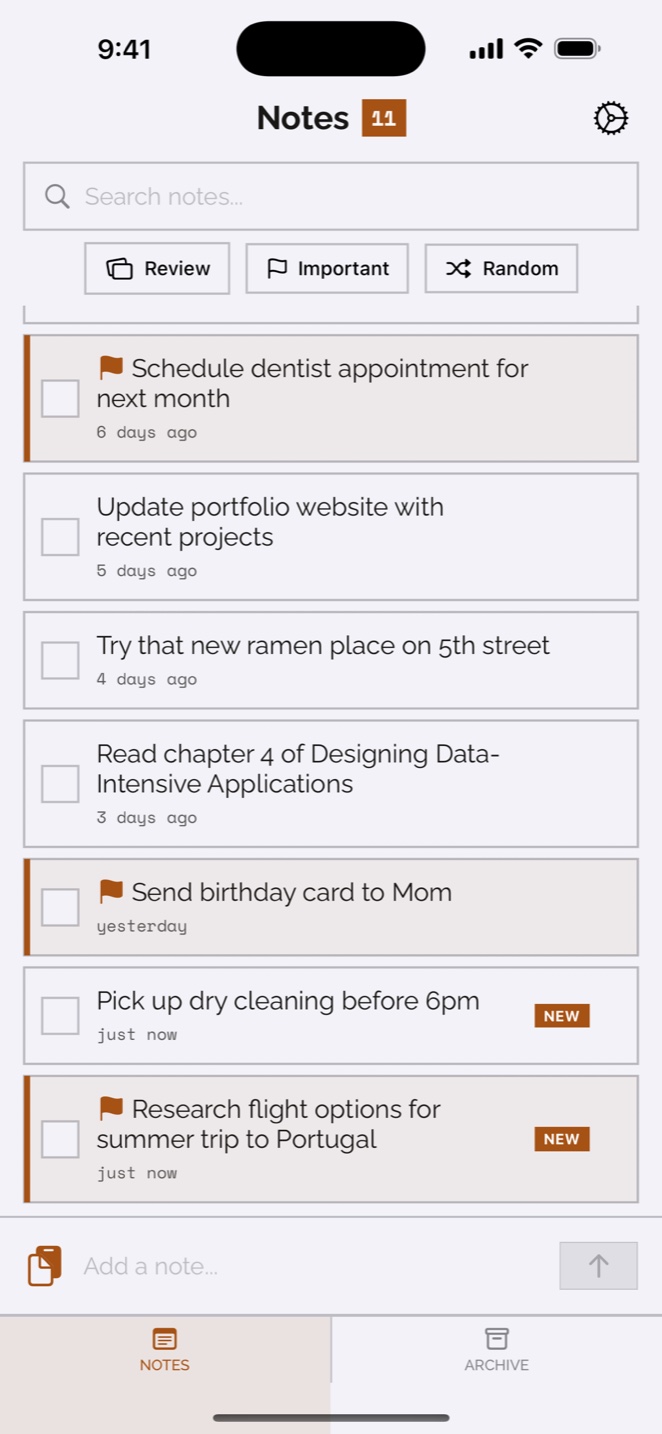
Most notes apps are full of things somebody meant to come back to. More folders won’t help with that. Volanote gives you a quick review instead, one note at a time, where you keep it, flag it, or archive it and move on.
Use the app, the share sheet, Siri, a widget, or the Mac menu bar. Whatever’s closest when the thought shows up.
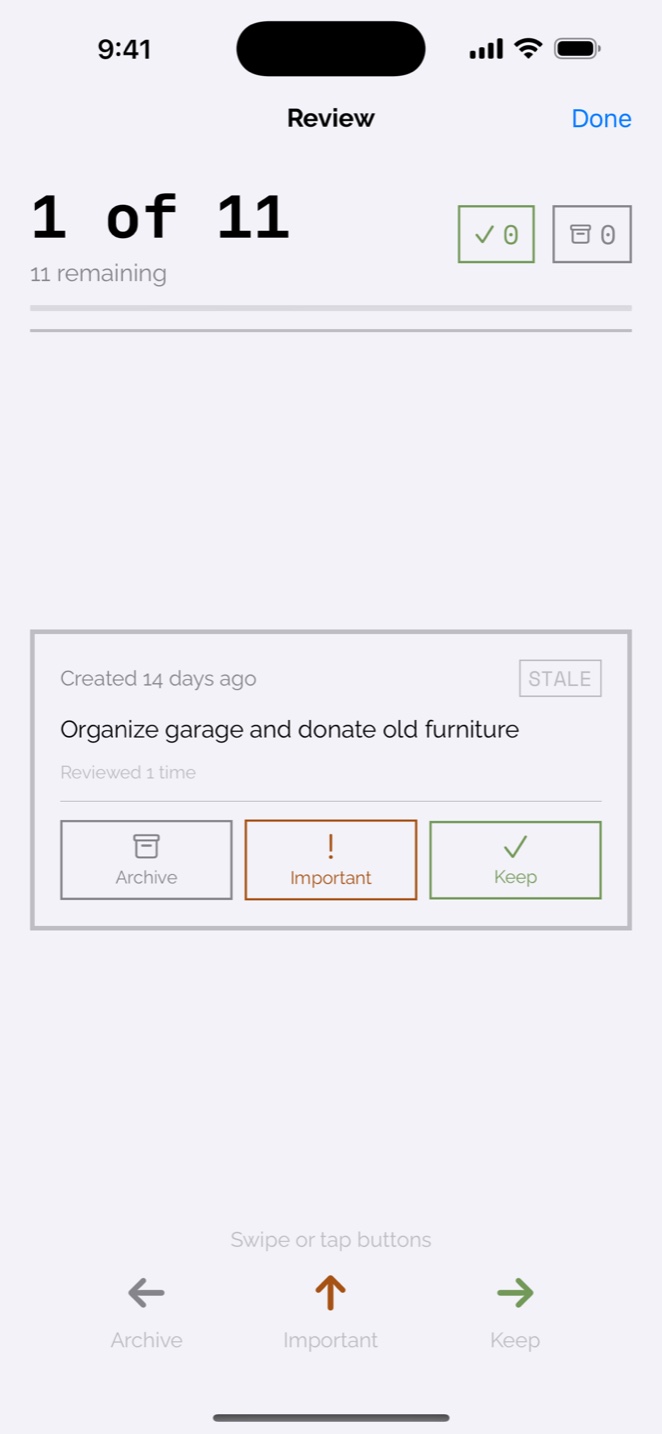
Swipe or tap to keep a note, mark it important, or archive it. Each one takes a few seconds.
If you haven’t touched a note in a while, Volanote brings it back into view. You decide how many days counts as a while.
Notes sync through iCloud between your iPhone, iPad, and Mac, and the Mac app has quick capture right in the menu bar.
There’s an optional daily summary and a weekly nudge to sit down and review.
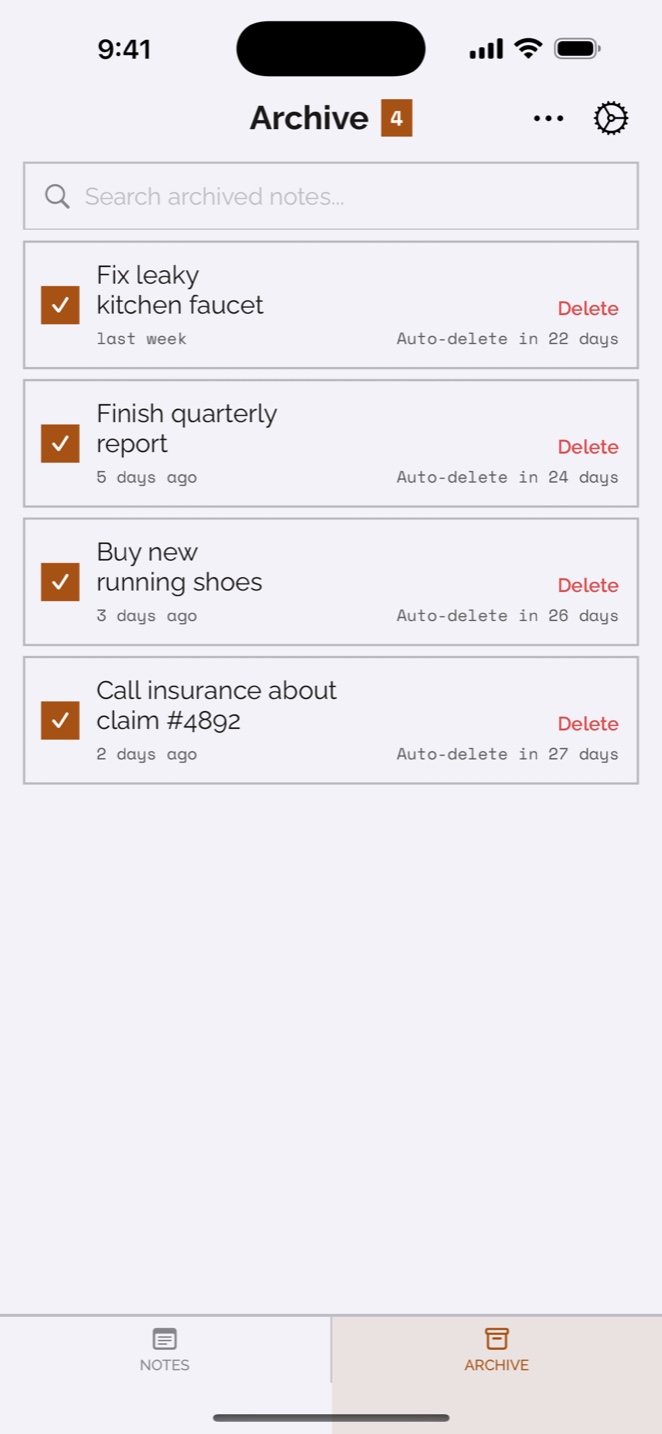
Archived notes leave your list but stay in the archive for 30 days. If you archive something by mistake, you can bring it back.

Kevin Stauss
Dad, videographer, app maker
My Notes app was a graveyard. Hundreds of entries I’d never look at again: grocery lists from 2019, half-formed ideas, reminders for things that had already happened. Every note app I tried wanted me to set up folders and tags. What I was actually missing was any habit of going back to read what I’d written, so that’s what I built Volanote around.
More about meNo. There aren’t any folders or tags. You capture notes quickly and review them as cards: keep, mark important, or archive.
They’re deleted automatically after 30 days. Restore anything you want to keep before then.