Directions and drive times
Every location on the schedule has its address and the drive time from the last stop. One tap opens directions.
 Anemone
Wedding day organizer
Anemone keeps the wedding day timeline, shot list, vendor contacts, directions, and weather in one iPhone app. Made by a wedding videographer for photographers, videographers, coordinators, and planners.
My first app. I learned Swift to build it.
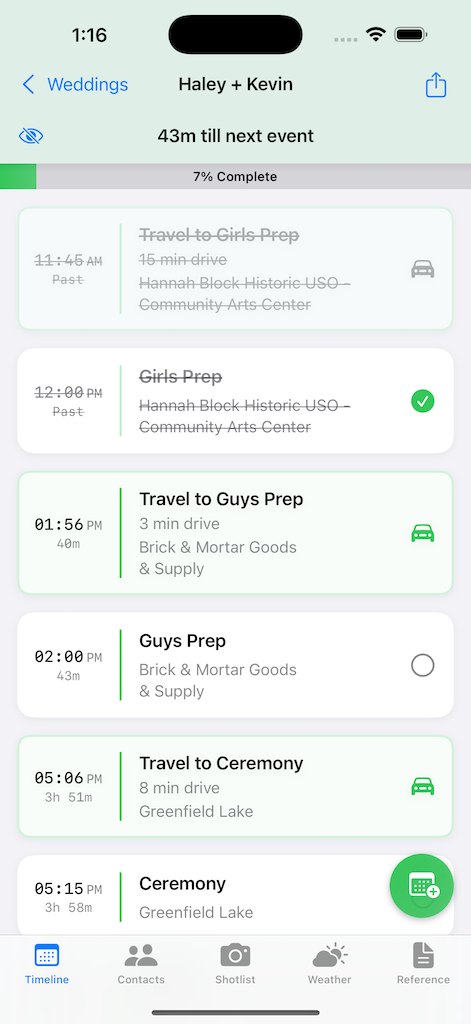
Most wedding timelines show up as a PDF from the planner, and some of them run eleven pages. On the day you’ve got a camera in one hand and you’re hunting for the next address with the other. Anemone puts the schedule, the shot list, and everyone’s phone number where your thumb can reach them.
Cross off events as they happen and watch the bar fill up. The top of the screen shows how long you have until the next thing starts.
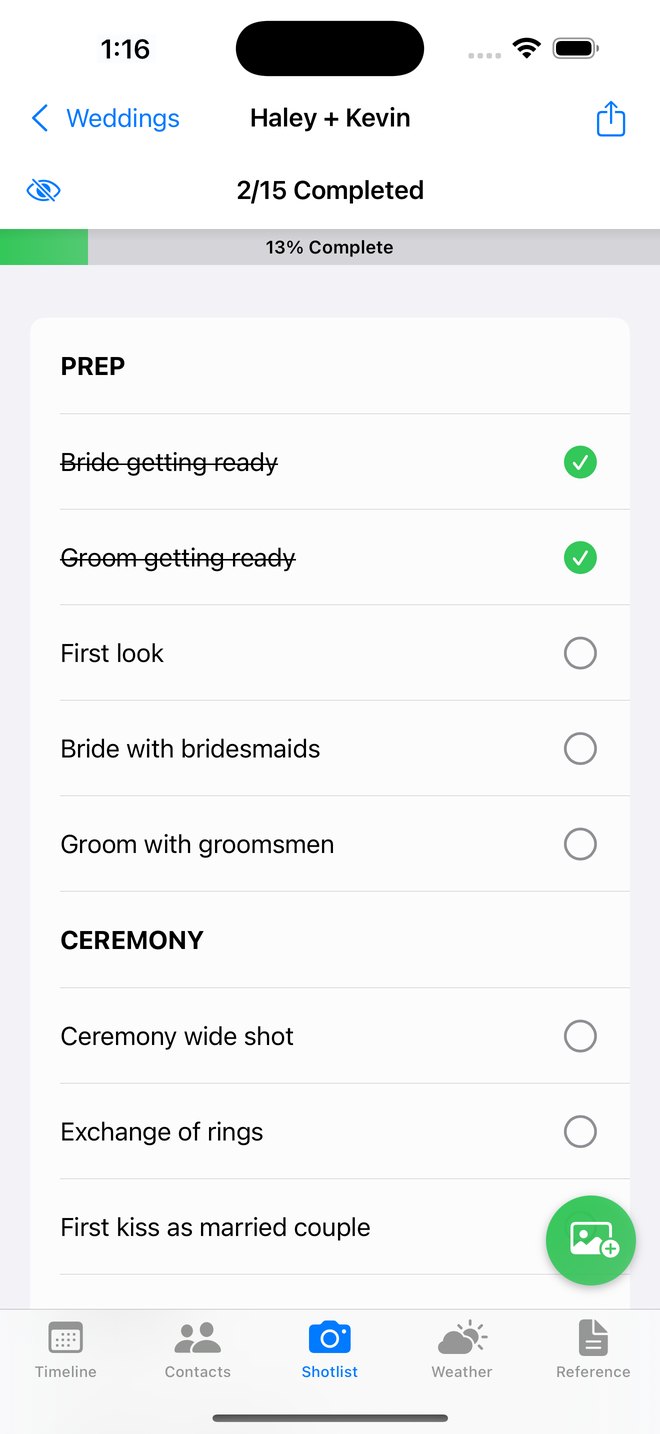
Keep the must-have shots in one checklist, so the ring shot doesn’t get lost in the rush between the ceremony and the reception.
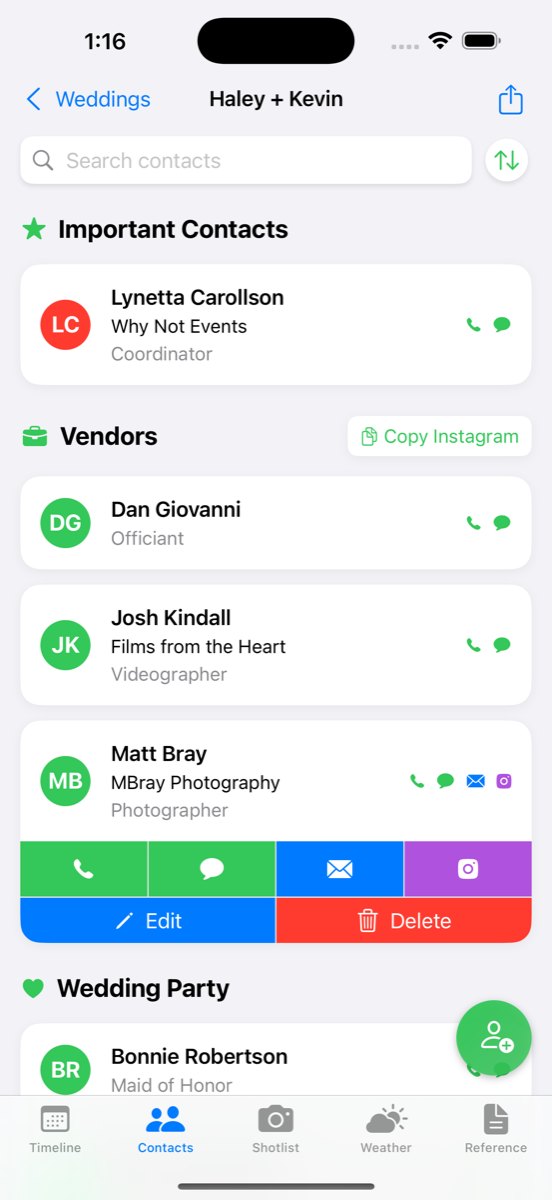
Call, text, or email other vendors and the wedding party in a couple of taps. You can copy every vendor’s Instagram handle at once for tagging later.
Every location on the schedule has its address and the drive time from the last stop. One tap opens directions.
See the forecast for each location on the timeline (humidity included) and when golden hour starts.
Typing a whole wedding into a phone is slow. The free Mac app lets you enter everything at a keyboard, then bring it over to your iPhone.
The important contacts sit at the top, then the vendors, then the wedding party. Tap a name to call, text, or email them, or to open their Instagram.
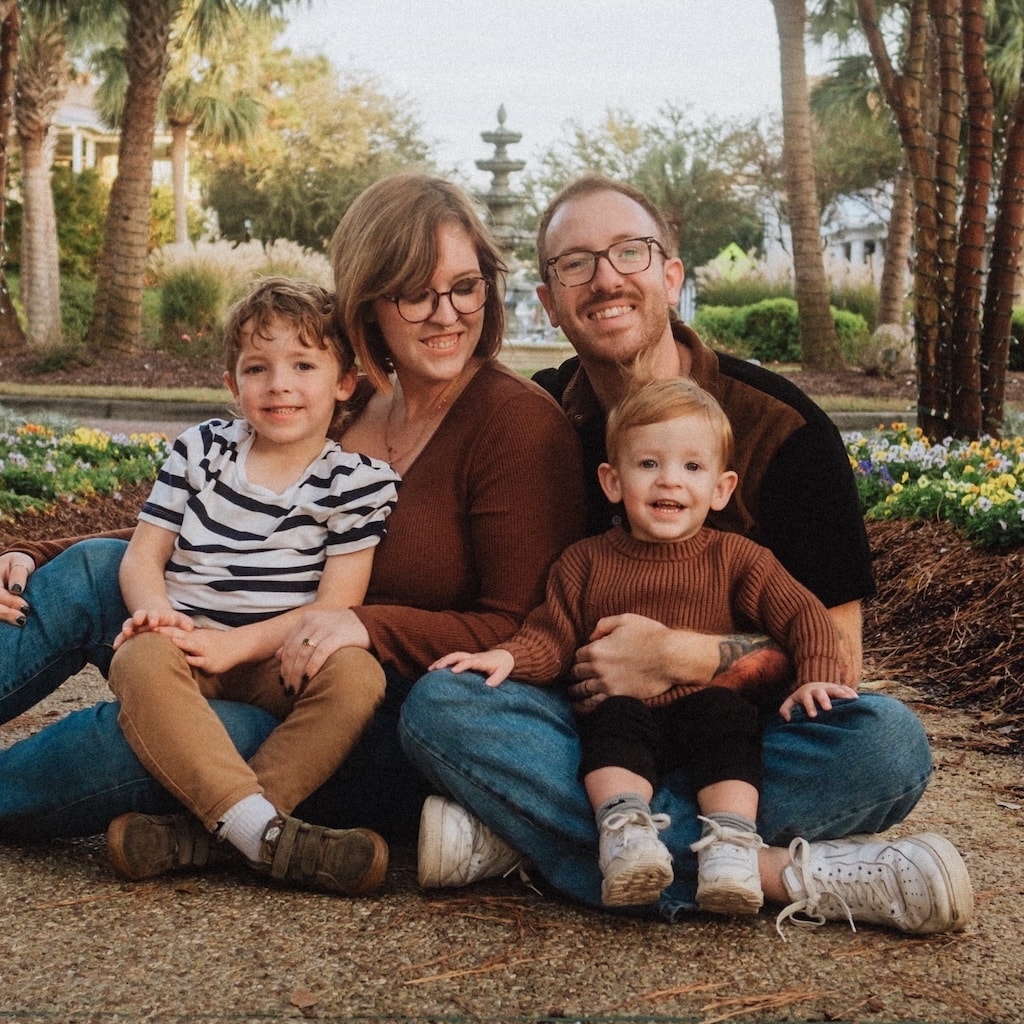
Kevin Stauss
Dad, videographer, app maker
I’m a wedding videographer, and for years my plan for the day was a PDF from the planner. I’d pinch and zoom through it between shots with a camera in my other hand. Anemone started as a weekend project to keep me organized at weddings, and it kept growing from there.
More about mePhotographers, videographers, coordinators, planners, and anyone else working a wedding day.
Adding new weddings, events, contacts, and shots takes a subscription or the one-time lifetime purchase. The app shows the current options and prices in your currency.
Yes. Anemone Companion is free on the Mac App Store. It’s there for entering wedding details at a keyboard.
Yes. You can hide the sections you don’t need, so the app only shows what you use on a wedding day. There’s also a sparkler exit in there somewhere.