Search by place
Type a city, a park, or a restaurant and Spool shows you what you shot there. You can also jump to a single month, or sort by date or length.
 Spool
Live Photos to video
Live Photos taken a few seconds apart add up to a real video. Spool stitches them into one clip you can watch, save, or share.
It started at a soccer game.
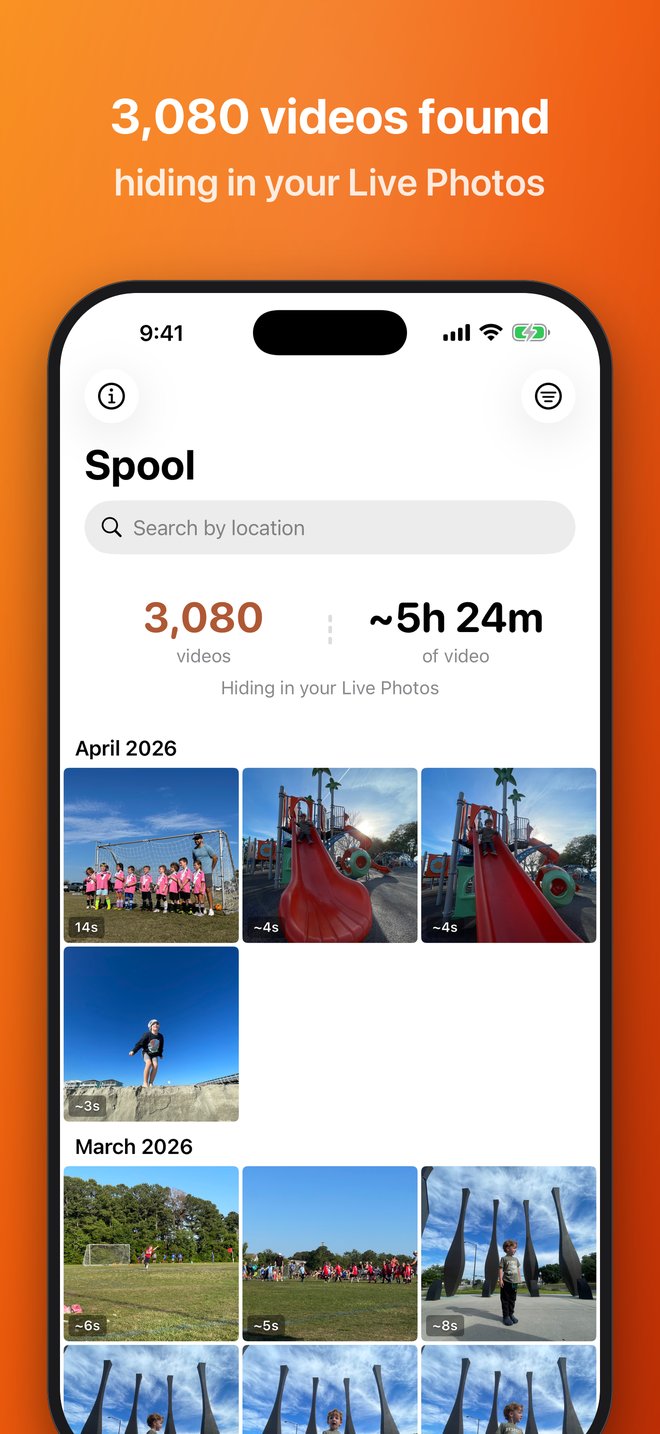
Every Live Photo holds about three seconds of video. Take a bunch in a row at a birthday or a soccer game and you’ve got a real clip, but the Photos app has no way to play it. Spool stitches each run into one video and trims the overlap so it plays straight through.
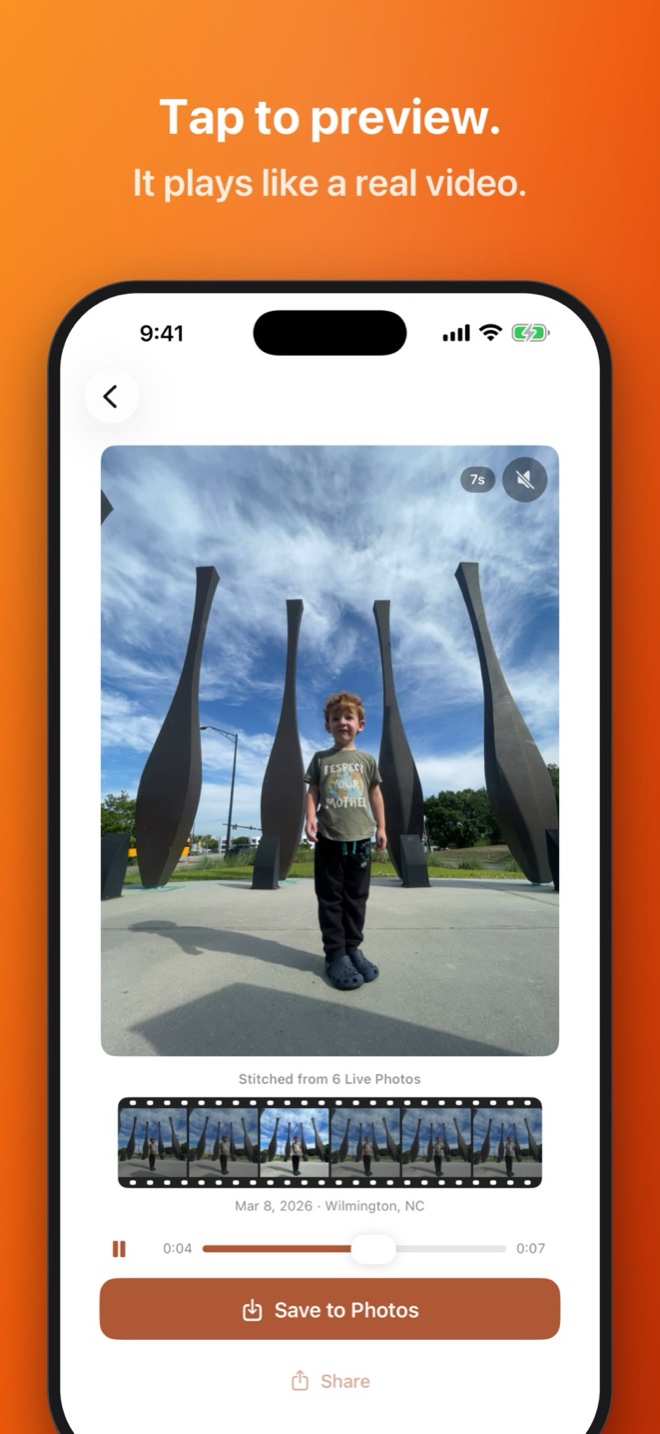
Live Photos taken seconds apart are grouped automatically, across your whole library. You don’t have to choose anything.
Overlapping frames get trimmed at each join and the original audio comes along, so the result plays as one continuous clip.
Each video sits above the Live Photos it came from. Scrub through and the one you’re in lights up.
Type a city, a park, or a restaurant and Spool shows you what you shot there. You can also jump to a single month, or sort by date or length.
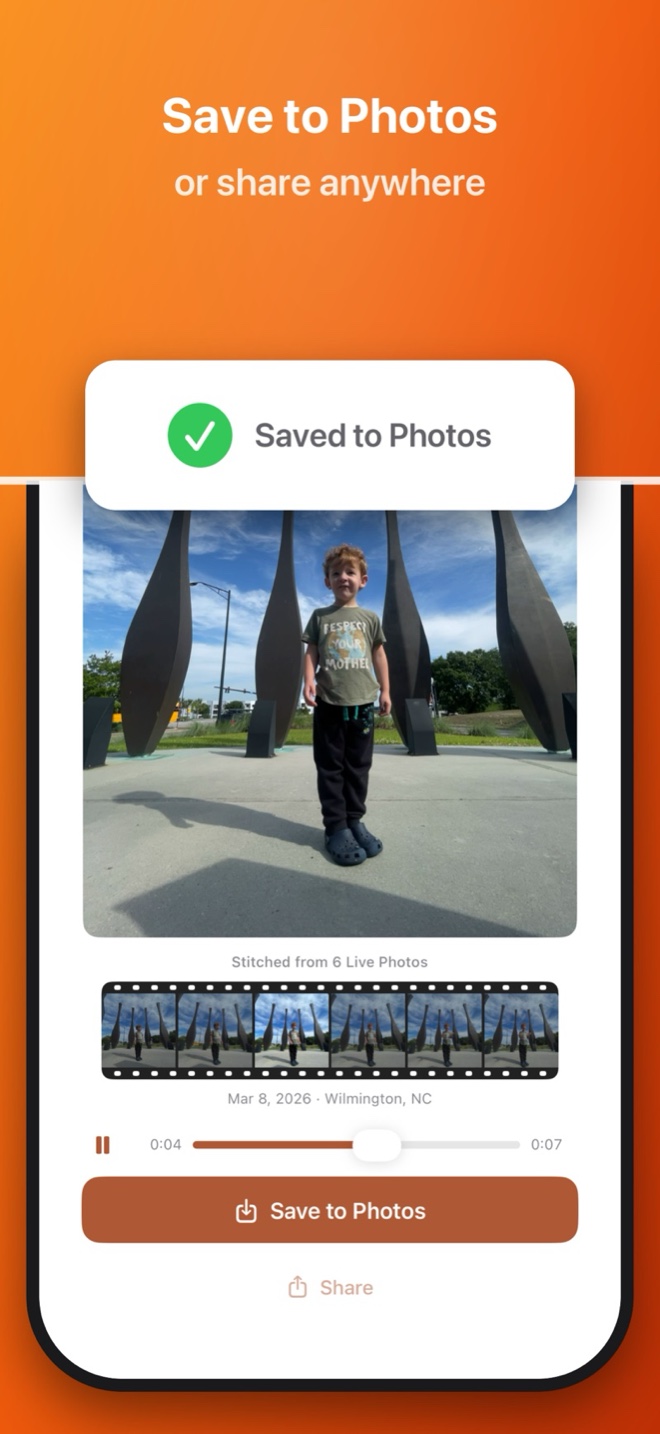
Exports are regular MP4 files. Save one to Photos or send it anywhere the share sheet goes.
Tap save and the video lands in your photo library like any other clip, ready for the family group chat.
These are real Spool screens in its original App Store artwork.

Kevin Stauss
Dad, videographer, app maker
I noticed I’d taken a dozen Live Photos in a row at my kid’s soccer game, and there was no way to watch them as the one thing they actually were. So I built the stitcher. The first time I ran it on my own phone I scrolled for a solid hour. I found clips of my wife and me from before we got married (just normal stuff, us being us) and videos of both our boys as babies, doing the things you forget about a year later.
More about meNo. Live Photos taken close together are grouped automatically. You decide which ones to watch or export.
Scanning and previewing are unlimited, and your first three exports have no watermark. After that, a one-time in-app purchase removes the watermark for good. The app shows the price in your currency.
No. Photo analysis and stitching happen on your device, and your library never goes to Silicron Code. Originals stored in iCloud may need to download first, and location search uses Apple’s services.