A to-don’t list
Write down the things you’re trying to do less of, like checking email first thing or scrolling at lunch.
 Handful
Daily to-do list
A to-do list with five slots a day. Pick your five, crown the one that matters most, and park everything else for later.
I use it every morning.
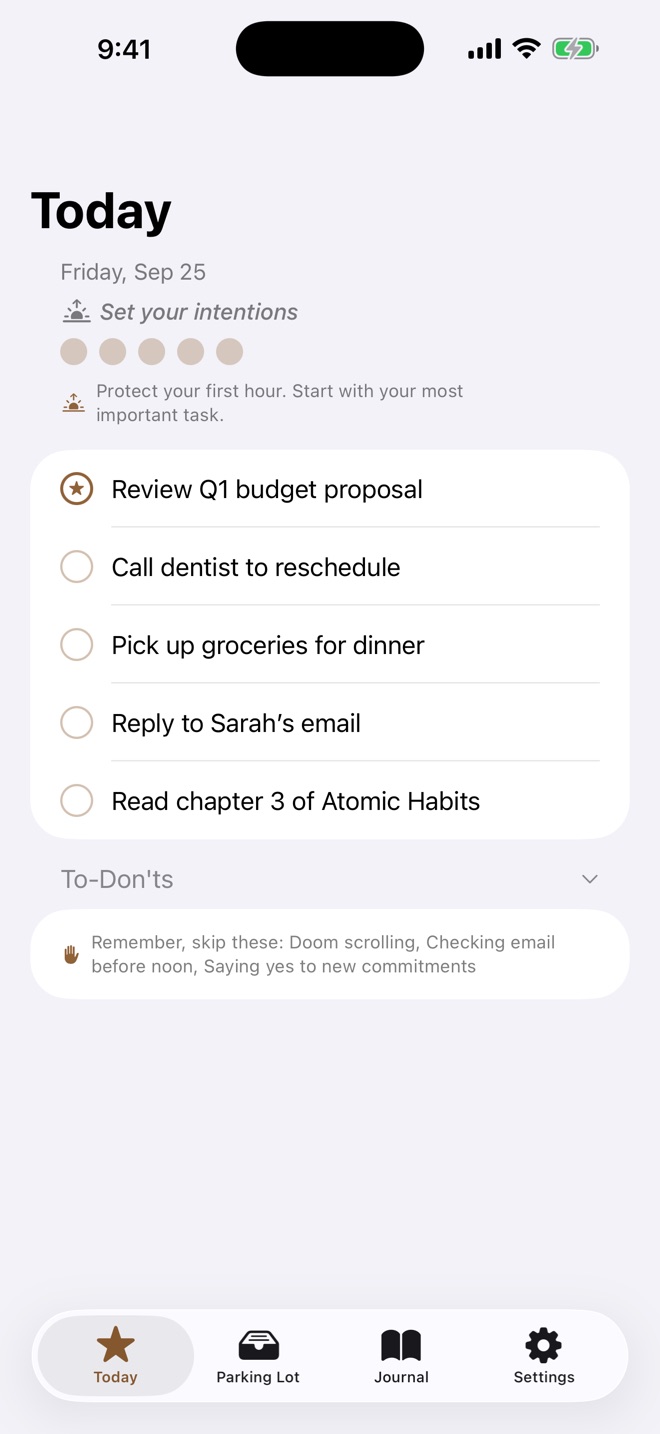
Most to-do apps let the list grow forever. Handful gives you five slots a day and no way to add a sixth. If you don’t get to something, park it for another day.
Fill them in the morning. If you leave one open, you can add a task to it later in the day.
Crown one task and it stays pinned to the top. If you only get one thing done today, make it that one.
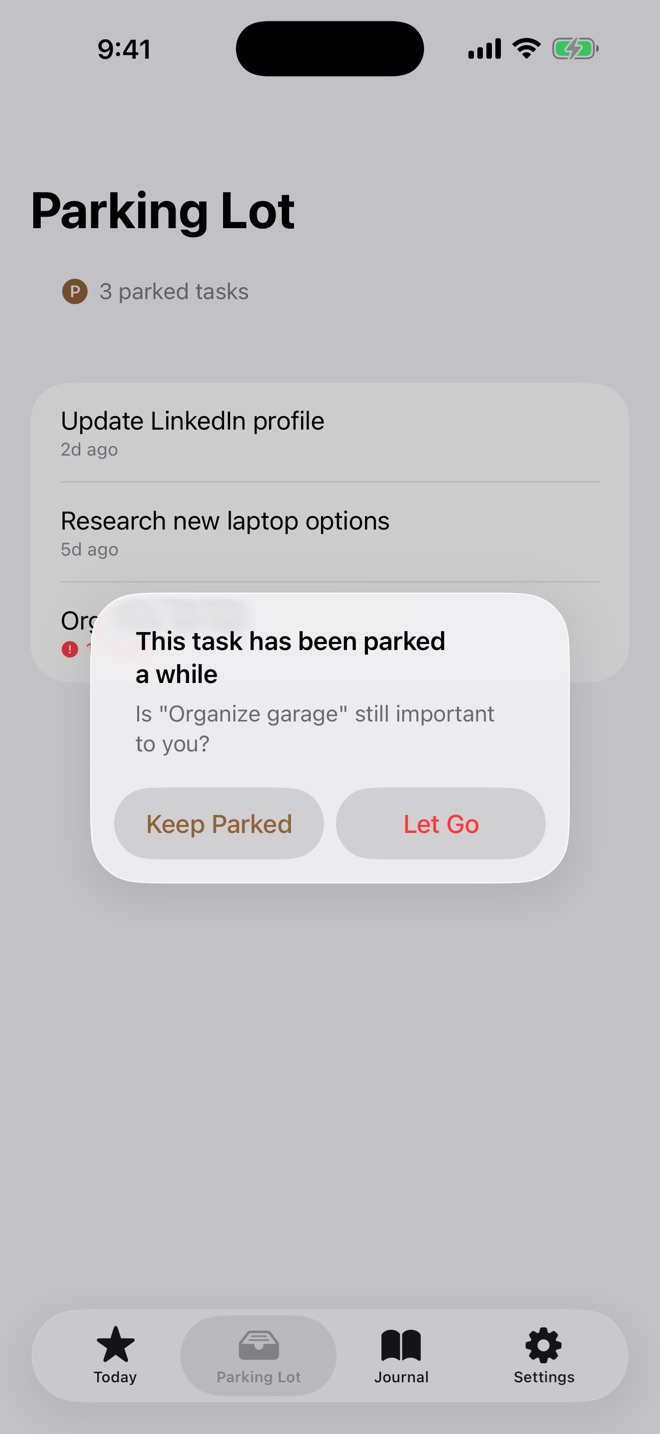
Anything you don’t get to can wait here, and tomorrow morning Handful offers it back. If something sits too long, it asks whether it still matters.
Write down the things you’re trying to do less of, like checking email first thing or scrolling at lunch.
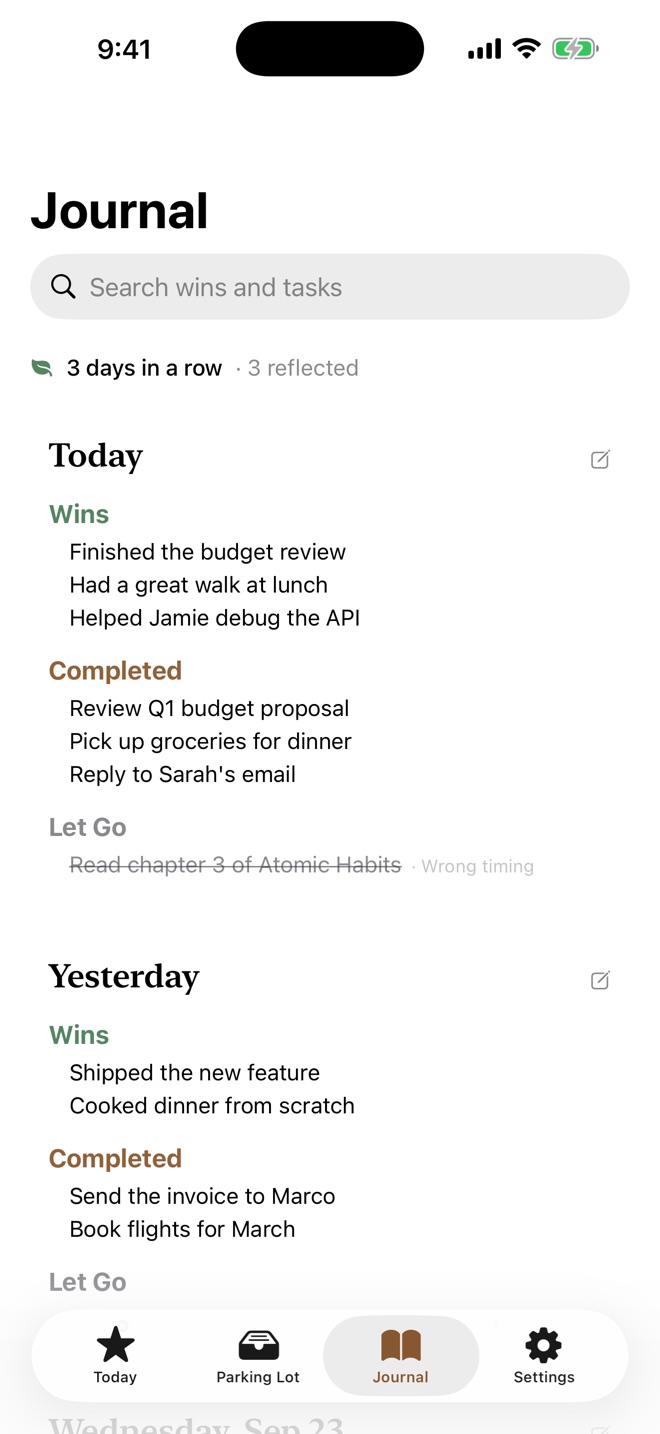
At the end of the day, write down three things that went well, however small.
A Home Screen widget shows today’s five. The Lock Screen widget shows your Most Important Task.
Your tasks and journal sync through your own iCloud account. There’s nothing to sign up for, and I can’t see any of it.
The evening reflection asks for three things that went well. Then you deal with anything left over, either parking it for later or letting it go. Each day goes into the Journal, which you can search or export as a Markdown file.
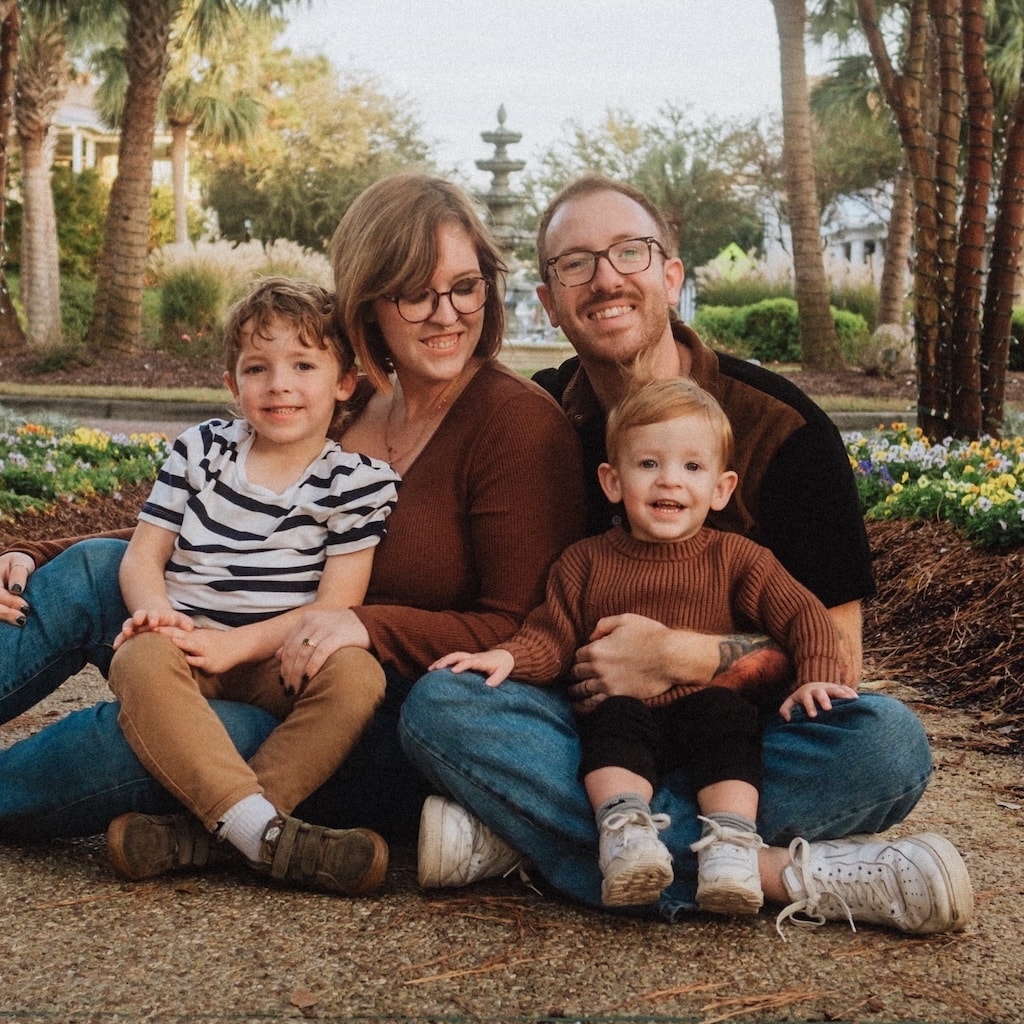
Kevin Stauss
Dad, videographer, app maker
I kept adding tasks to my list and finishing maybe three a day. The rest rolled over to tomorrow and piled up with the new ones, and the list that was supposed to help me just made me feel behind. So I built Handful around a hard limit of five.
More about meNo. The five-task cap is the whole idea. Anything you don’t get to can be parked for another day.
At the end of the day you decide: park them for later or let them go. If you let one go, Handful asks why, and the answer goes in your Journal. If you skip the reflection, they’re parked for you.
No. Handful is a one-time purchase, with no ads and no in-app purchases.