Two machines
The later one has the sunset gradient most people picture. The earlier one is its own reconstruction, with flat blue pages, all capitals, and its own letters and palette. Flip the switch at the top of this page to see both.
 Cable Weather
Weather
A rebuild of the box your cable company used to run the local forecast. It draws your real National Weather Service forecast the way that hardware did, with smooth jazz underneath.
Best viewed from a hotel bed.
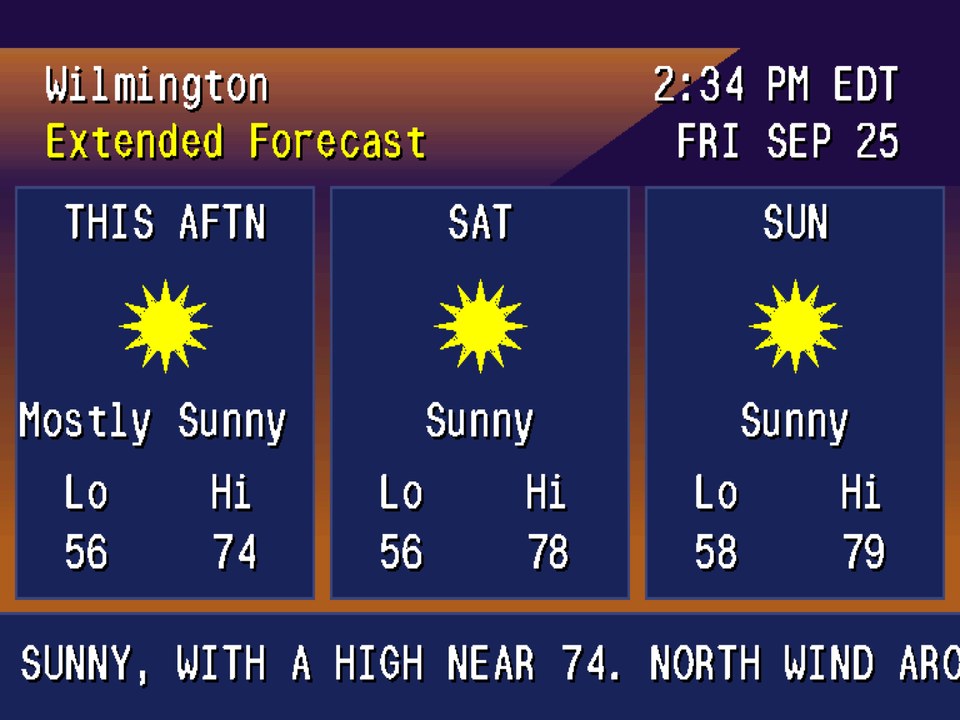
The later machine draws into a 768 by 480 picture through a 256-color palette, 6 bits per channel, and every pixel on screen goes through that palette. The letters are bitmaps stamped in byte by byte, with no fonts and no smoothing. The pixels aren’t square, because a CRT’s weren’t. The blocky radar and the slightly off blues come out of all that.
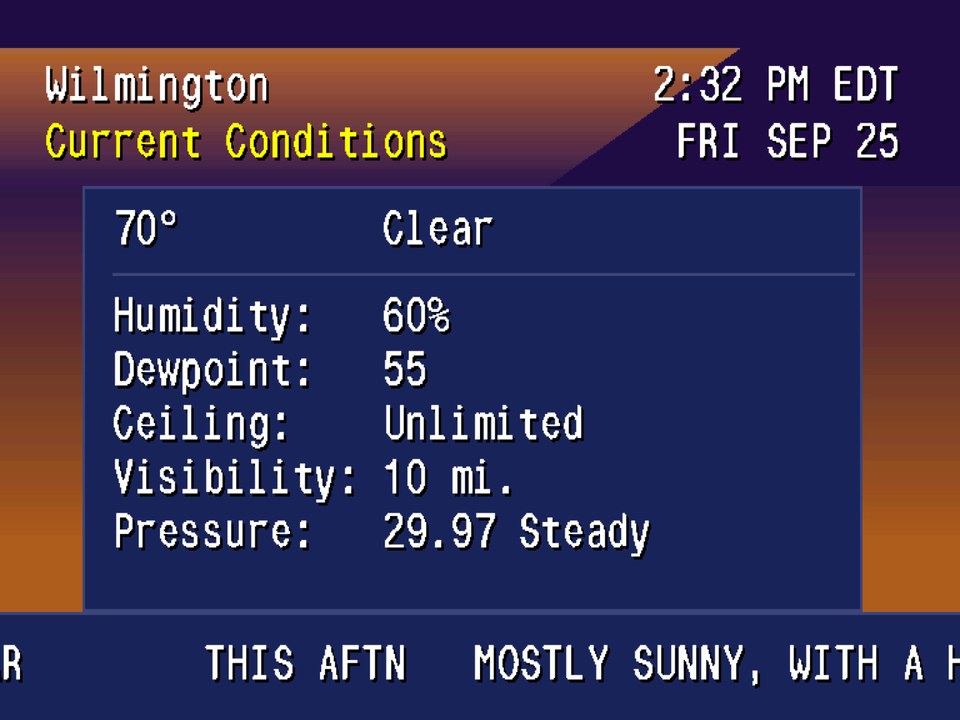
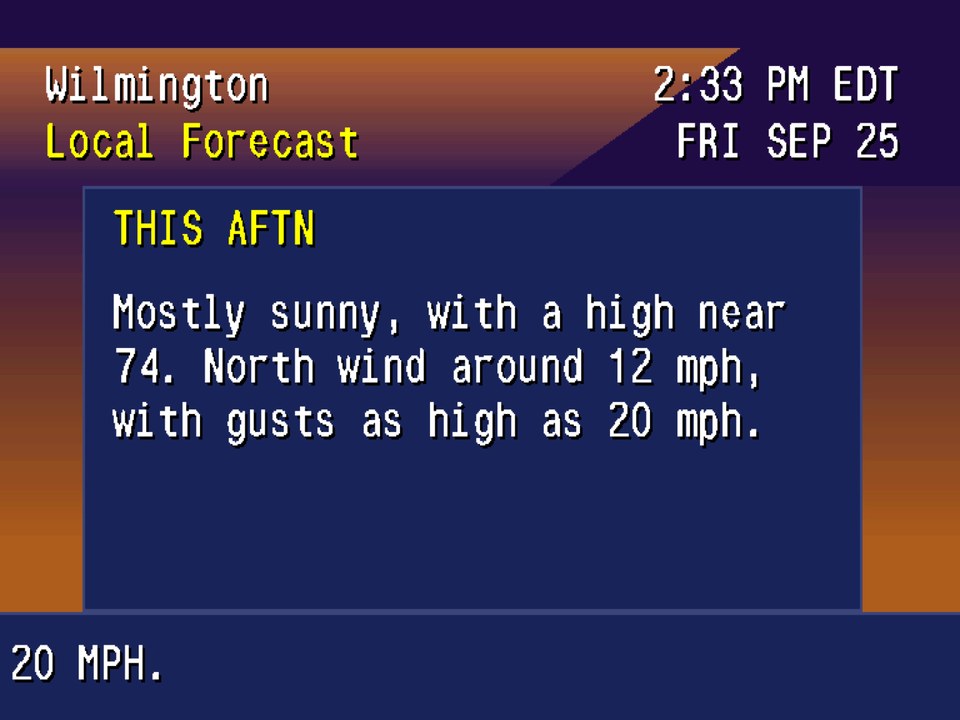
Current conditions, nearby stations, radar, the local and extended forecasts, and the almanac. Conditions and forecasts come from the National Weather Service, the radar from the Iowa Environmental Mesonet, and the almanac is worked out on your device.
The ticker along the bottom moves 4 pixels a frame, matched to an old broadcast recording. It moves by shifting where the screen starts reading instead of redrawing, the way the hardware did. The rest of the picture only redraws when the page turns.
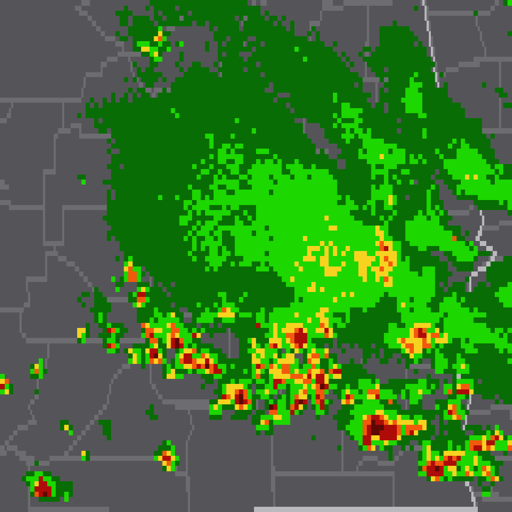
Six frames covering the last 25 minutes of NEXRAD radar, sorted into intensity steps and drawn over the land with state and county lines. That’s why the storms look blocky.
The later one has the sunset gradient most people picture. The earlier one is its own reconstruction, with flat blue pages, all capitals, and its own letters and palette. Flip the switch at the top of this page to see both.
Clean, S-Video, composite, or RF, applied after the palette. Composite is what most of us actually saw, with color smearing sideways and dot crawl on the edges. It starts on composite; switch to Clean if you’d rather have sharp pixels. There’s also a setting that flips bits in the color table, like a video chip that’s getting old.
On iPhone and iPad, severe weather warnings in the National Weather Service’s own words, plus an optional forecast summary as often as you want one. Quiet hours are on by default.
Widgets, StandBy, the Top Shelf on Apple TV, and your own message in the crawl along the bottom (on the later machine).
Thirteen licensed instrumental tracks (lounge, smooth jazz, a little bossa nova), processed to sound like they’re coming out of a TV: thin low end, the broadcast treble ceiling, squashed dynamics. It shuffles through all thirteen before it repeats one. On iPhone and iPad it opens quiet and starts when you press a volume button, so it won’t cut off your podcast. Apple TV starts with sound. Underneath it there’s a faint TV hum and hiss. It starts in the middle, and you can turn it down, up, or off.

Kevin Stauss
Dad, videographer, app maker
I kept finding apps that drew something close to the old cable forecast and got the details wrong: smooth fonts, too many colors, a ticker that scrolled like a web page. So I started rebuilding the box itself, down to its color table, and let the look come out of that.
More about meYes. Conditions, forecasts, and alerts come from the National Weather Service, and the radar is NEXRAD imagery from the Iowa Environmental Mesonet. It covers the 50 states, Puerto Rico, and the U.S. Virgin Islands.
No. Cable Weather is an independent app. It isn’t affiliated with or endorsed by any television network, cable provider, or weather service, and it has no network branding or original broadcast music.
Yes. There are three volume levels and an off switch. On iPhone and iPad it doesn’t start until you press a volume button or touch a sound control.
Yes. VoiceOver reads a plain English description of each screen, built from the weather data, and on iPhone and iPad there’s a plain-text view of current conditions one tap away.
Email kevin@silicroncode.com. It comes straight to me, and it helps to know which device you’re on and which market you picked.
No. One purchase covers iPhone, iPad, and Apple TV, with no subscription and no in-app purchases.